![[PukiWiki]](image/pukiwiki.png "[PukiWiki]")
アラートボックスという警告を表示するための小さいダイアログ
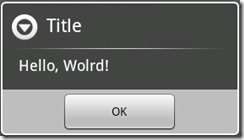
AlertDialog.show(this, "Alert Test", "Hello", "ok", false);
参考 - 愚鈍人 さん
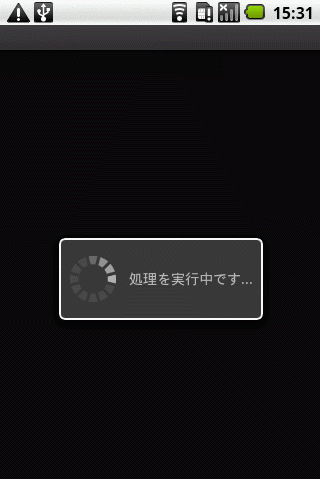
       progressDialog = new ProgressDialog(this);
       progressDialog.setProgressStyle(ProgressDialog.STYLE_SPINNER);
       progressDialog.setMessage("処理を実行中です...");
       progressDialog.setCancelable(true);
       progressDialog.show();
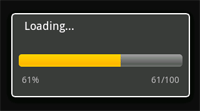
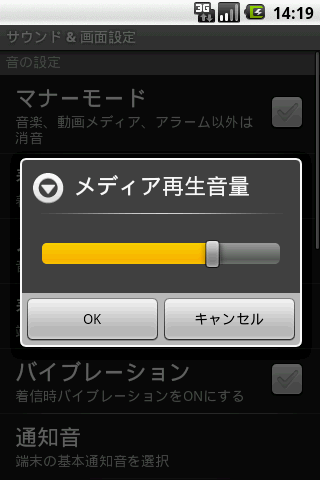
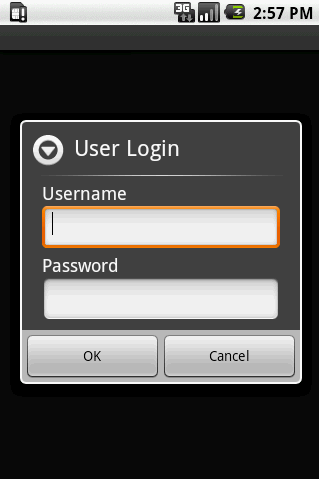
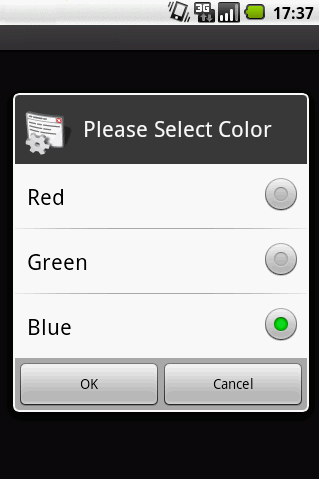
	String[] str_items = {" 小"," 中"," 大"," 特大"};
       new AlertDialog.Builder(this)
           .setIcon(R.drawable.icon)
           .setTitle("フォントサイズ")
           .setItems(str_items, new DialogInterface.OnClickListener(){
           	public void onClick(DialogInterface dialog, int which) {
           		//フォントサイズを選択した後に、フォントサイズを設定する
           		textview1.setTextSize(15.0f+which*3);
               }
       })
       .show();
ダイアログを制す者がAndroidを制す
http://www.hakkaku.net/articles/20090924-581
http://huuah.com/dialog-boxes-in-android/
様々なDialogのサンプルソース : 参考
http://www.hakkaku.net/articles/20090924-581


